View Compliance Dashboards
Monitor compliance control evaluations and policy violations at the organization, project, and repository levels.
Prerequisites
Before you begin, ensure you have:
- Access to a DevGuard organization
- Compliance policies created and enabled for your organization
- At least one repository with attestations evaluated against compliance policies
Organization-Level Compliance View
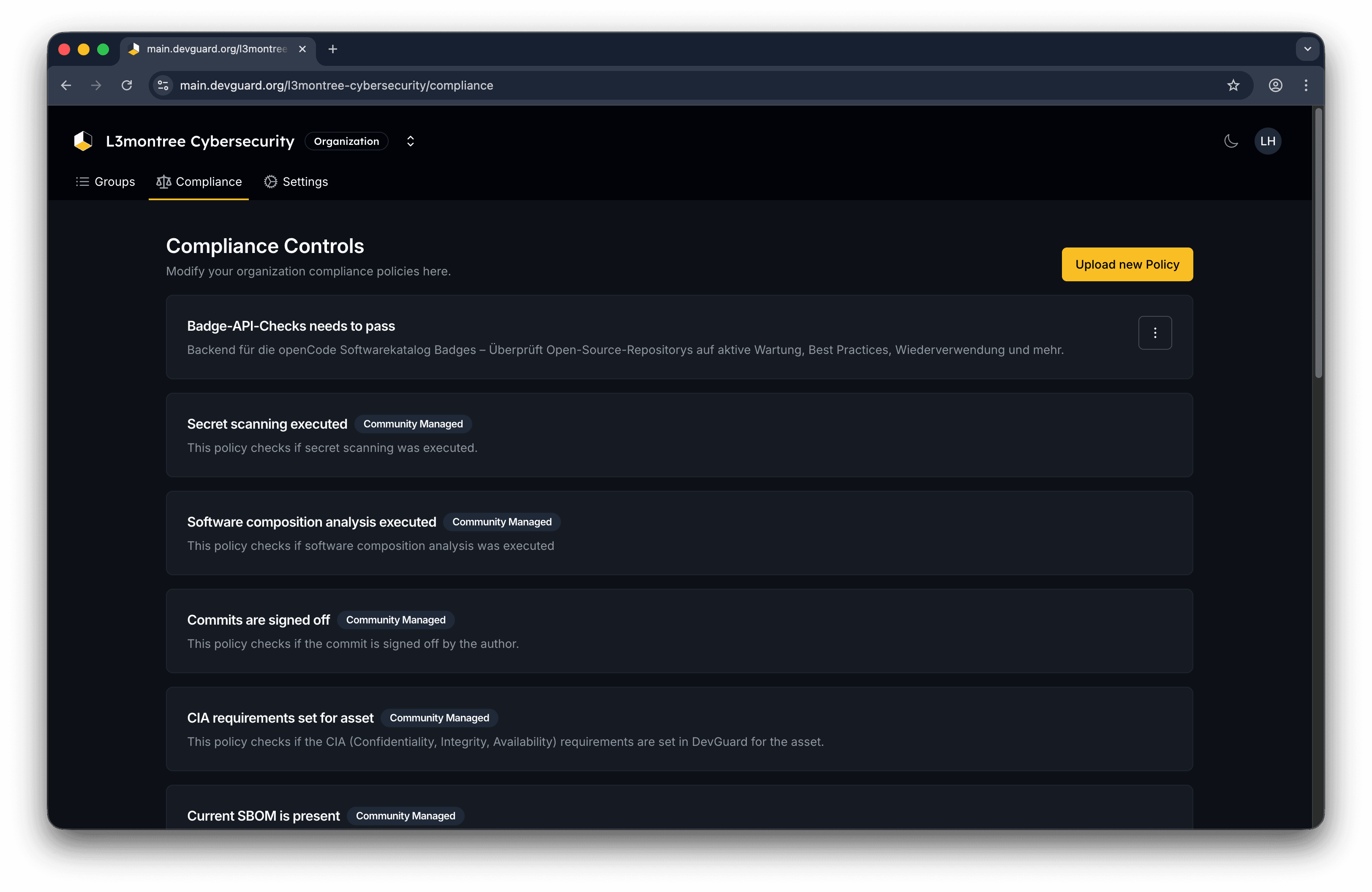
Access the organization-wide compliance dashboard to see all policies created by your organization or select premade polices:
Navigate to Organization → Compliance
Project-Level Compliance View
Track compliance for all repositories within a specific project:
Navigate to Organization → Project → Compliance
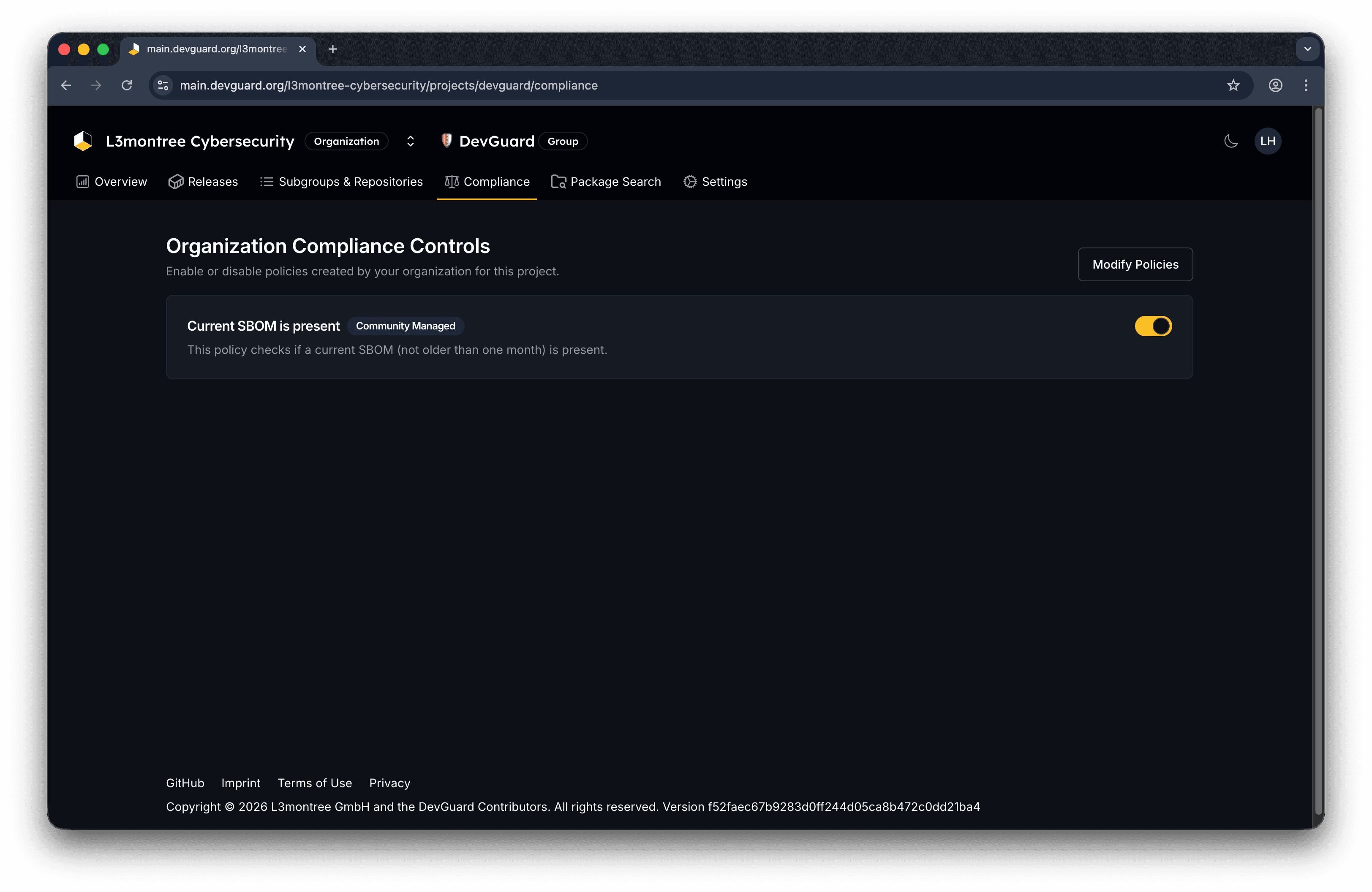
Enabling a policy at the project level tells DevGuard to evaluate that policy against this project’s repositories. Only organization admins can manage project-level policies.
Repository-Level Compliance View
Inspect detailed compliance control evaluations for a specific repository version: Navigate to Organization → Project → Repository → Compliance

Enforcing Repo Policy into CI/CD Pipelines!
Meta Data for Compliance Controls
To improve the Compliance Rego Ecosystem, we highly recommend adding metadata to your compliance controls.
Review the policy metadata:
- Title - Control name
- Description - What the control verifies
- Compliance frameworks - Which standards it supports (ISO 27001, CRA, etc.)
- Related resources - Documentation links
- Tags - Classification tags
More information on how to write your own compliance policies with metadata can be found in the Official Open Policy Agent Documentation.
Next Steps
- Generate CSAF Reports - Create compliance-focused security advisories
- Export SBOMs - Download component inventories for audit purposes
- Manage Attestations - Ensure required attestations exist
- Create Attestation Policies - Learn how policies evaluate your repositories